Mobile buying path
Check hero clarity, product-card tap targets, sticky purchase actions, menu depth, search behavior, image sizing, and whether critical details are reachable without excessive scrolling.

Shopify redesign
Use this checklist before redesigning a Shopify store so the new theme improves mobile UX, product discovery, trust, speed, SEO safety, and the path to checkout.
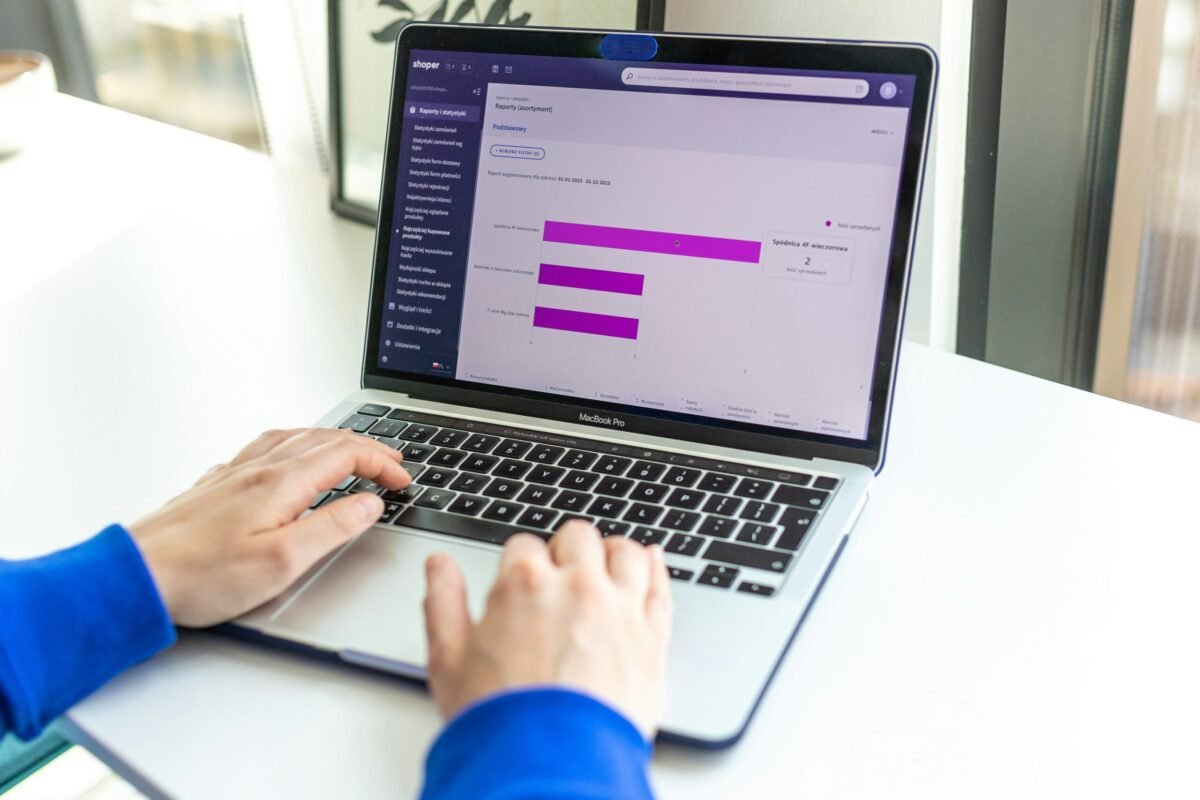
This checklist can be used with concept storefront visuals during early planning. Concept visuals must stay labeled as concepts until a real client approves screenshots, outcomes, or case-study details.
Check hero clarity, product-card tap targets, sticky purchase actions, menu depth, search behavior, image sizing, and whether critical details are reachable without excessive scrolling.
Review product templates, variant selectors, collection filters, badges, reviews, trust blocks, related products, size/specification sections, and internal links between categories.
Audit unused scripts, app widgets, image loading, section bloat, third-party pixels, and whether the store can stay editable without stacking more apps for every change.
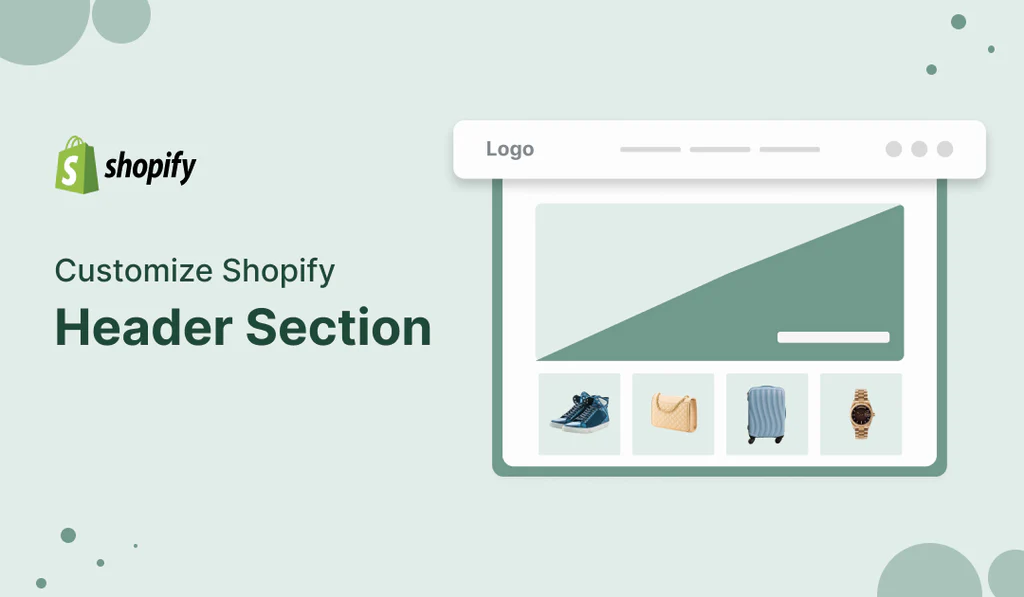
Kodzyn reviews the current store, theme, apps, pages, product structure, SEO risks, and conversion friction before recommending design changes.
The redesign focuses on reusable theme sections, clearer product content, cleaner navigation, faster pages, and mobile-first buyer journeys.
Before launch, Kodzyn checks critical pages, forms, cart behavior, tracking basics, redirects, images, metadata, and post-launch fixes.
A redesign is useful when the store has weak mobile usability, slow pages, confusing product pages, inconsistent branding, poor navigation, app clutter, or a checkout path that creates friction.
No. Some stores only need key templates and sections improved. A full rebuild is better when the current theme structure blocks speed, editing, or conversion improvements.
Review analytics, mobile behavior, theme performance, product-page structure, collection navigation, app usage, SEO-critical URLs, redirects, and existing content before changing the theme.
Yes. Kodzyn can support QA, bug fixes, section improvements, app integration cleanup, product-page changes, and ongoing Shopify maintenance.
Send Kodzyn your store URL, theme name, app list, and the redesign goals. The team can help identify what should change first.